Your Daily Drawing Studio
Daily Draw
Organize sketches, daily prompts, references, and progress in one vivid creative desk.

Five creative rooms
Each part of Daily Draw supports a different step in your drawing practice — from the first idea to the finished page.
-
01 · Studio
Studio dashboard
See your active project, today's prompt, streak, sessions, and quick actions on one colorful creative desk.
-
02 · Sketches
Sketch projects
Track every drawing with timelines, checklists, progress photos, and before-and-after comparisons as you improve.
-
03 · Prompts
Prompts and timer
Daily challenges, collections, a prompt generator, and gesture timer help you practice with structure and momentum.
-
04 · Library
Reference library
Save references, techniques, materials, sketchbooks, and notes together so your tools stay easy to find.
-
05 · Progress
Progress charts
Review drawing time, completed sketches, goals, and milestones in clear charts that show your creative trail.
Inside the studio
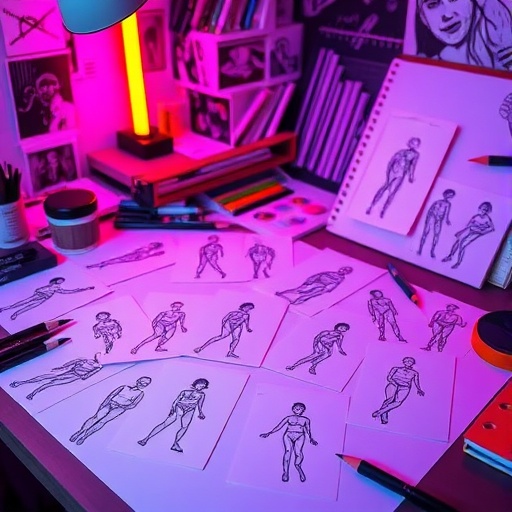
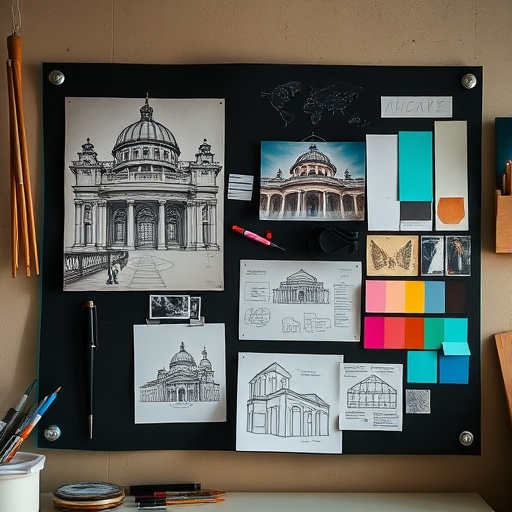
Dark paper, neon edges, and sketch energy — the mood of your daily drawing desk.

Daily Draw Privacy Policy
Last updated: July 15, 2026
Daily Draw is developed to help you organize your drawing practice. We respect your privacy and keep data handling simple.
Information we collect
Daily Draw does not require an account. Your sketches, references, prompts, sessions, and settings are stored locally on your device. We do not collect personal data through the app for marketing or analytics.
Photos and files
If you import photos or files, they remain on your device unless you choose to export or share them through system features you control.
Third-party services
The app does not include third-party advertising SDKs. Optional integrations such as widgets and shortcuts use only data you already store in the app.
Children's privacy
Daily Draw is not directed at children under 13, and we do not knowingly collect personal information from children.
Changes
We may update this policy as the app evolves. Continued use after updates means you accept the revised policy.
Support
Questions, feedback, or help with Daily Draw? Contact us and we will get back to you as soon as we can.
When writing, include your device model, iOS version, and a short description of the issue so we can help faster.